

.forestadmin-schema.json file is the canonical description of your agent’s data model, the collections it exposes, the fields and their types, the relationships, and the customizations applied. It’s auto-generated, versioned with your code, and read by the Forest API to render the UI for each environment.
The filename is
.forestadmin-schema.json (the legacy naming is preserved to avoid breaking existing deployments). Treat it as a Forest-managed file.When the file is generated
In development environments only, the agent regenerates.forestadmin-schema.json on every startup. It reflects:
- The state of your data sources (collections, fields, types, relationships)
- Your agent’s customizations (actions, computed fields, segments, hooks)
isProduction option passed to createAgent. In Ruby, generation is tied to the Rails environment, and you can also generate the file explicitly with a rake task.
The schema file is generated on every restart in dev, then frozen and deployed alongside production code
Why versioning matters
In remote and production environments, the agent does NOT regenerate the schema file. It uses the version that was deployed with your code. This means:- You must commit
.forestadmin-schema.jsonto version control - You must deploy it alongside your agent code to every remote environment
- The file is the contract between your agent and the Forest API for that environment
What versioning the schema gives you
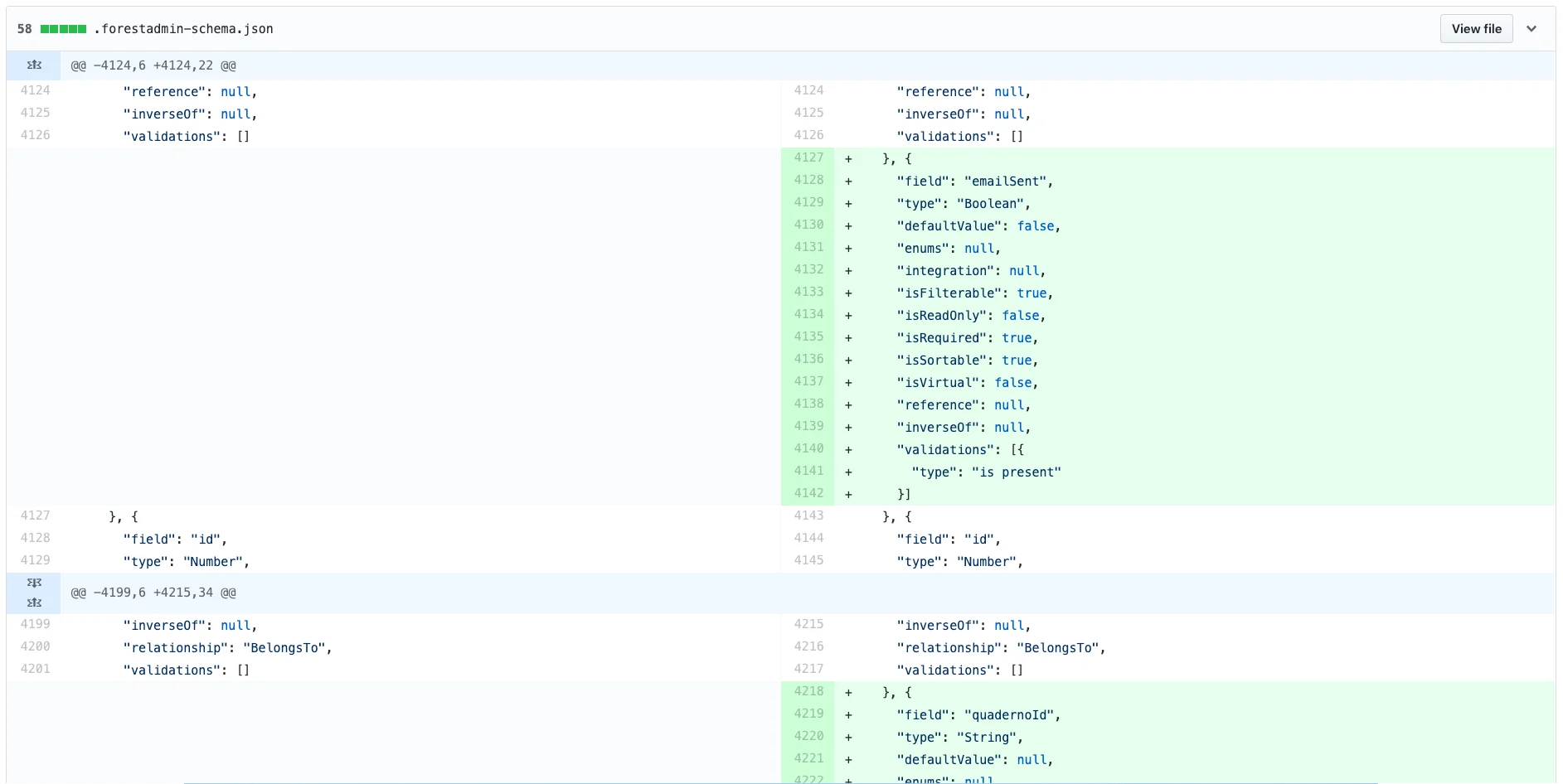
Beyond keeping environments in sync, committing the schema file lets you:- Review schema changes in pull requests, diffs show every collection, field, and relationship change before merge
- Roll back schema regressions, if a bad change breaks production, revert the commit
- Audit historical schemas, Git history shows the data model state at any past point