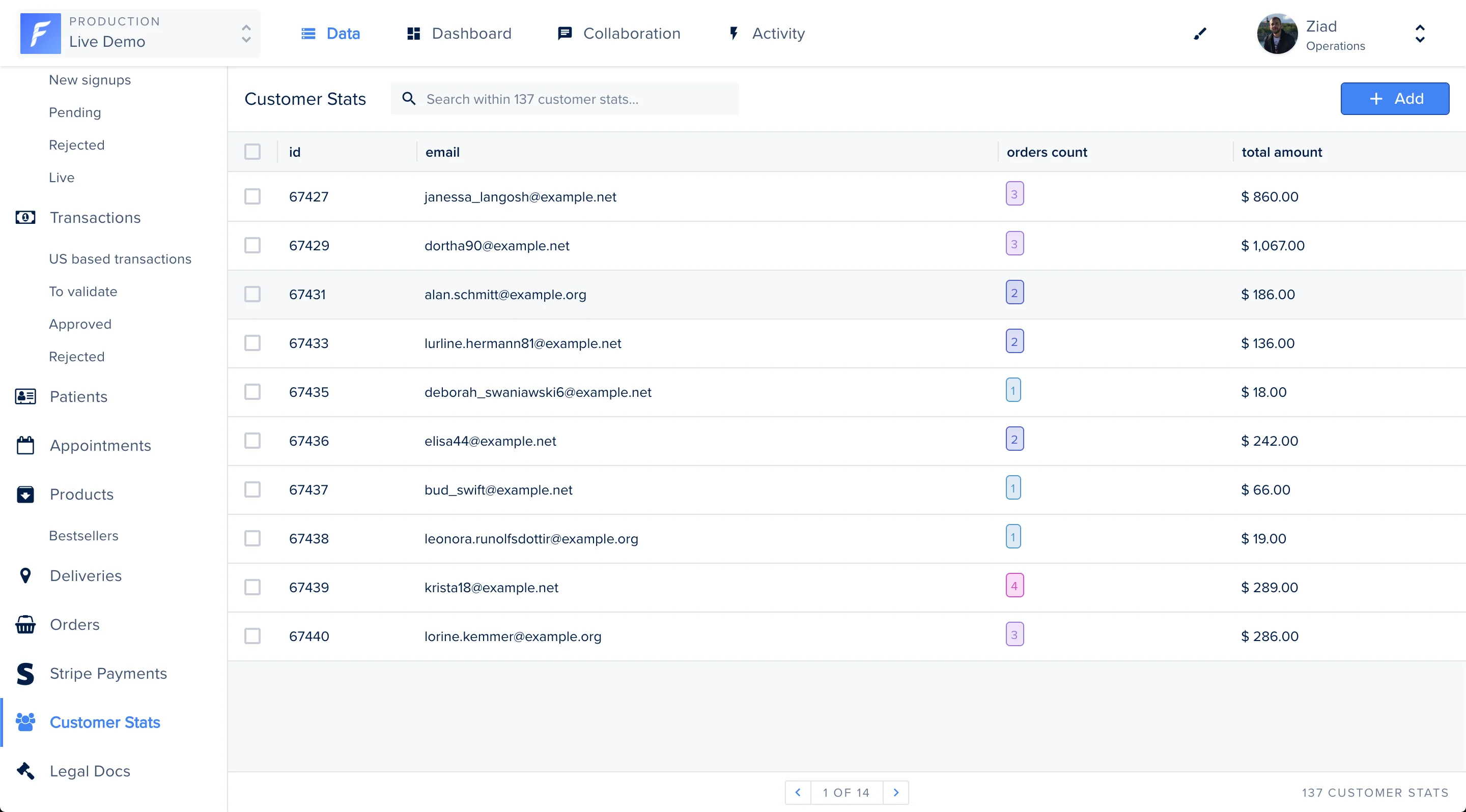
- represent a subset of the data contained in a table (see also segments).
- join and simplify many tables into a single virtual table.
- act as aggregated tables, where the database engine aggregates data (sum, average etc.) and presents the calculated results as part of the data.
Forest natively supports SQL views. If you have already implemented views, simply add the associated models to display them on your interface.
Creating the SQL View
To create a view, we useCREATE VIEW statement.
In the following example, we look for the user’s email, the number of orders and the total amount spent.
Adding the model
To display the SQL view on your Forest interface, you must add the associated Sequelize model in your application.You must restart your server to see the changes on your interface.
Managing the view
Once your SQL view is implemented, you’ll be able to filter, search, export and change the order of your fields.