

What is a Smart Field?
A field that displays a computed value in your collection.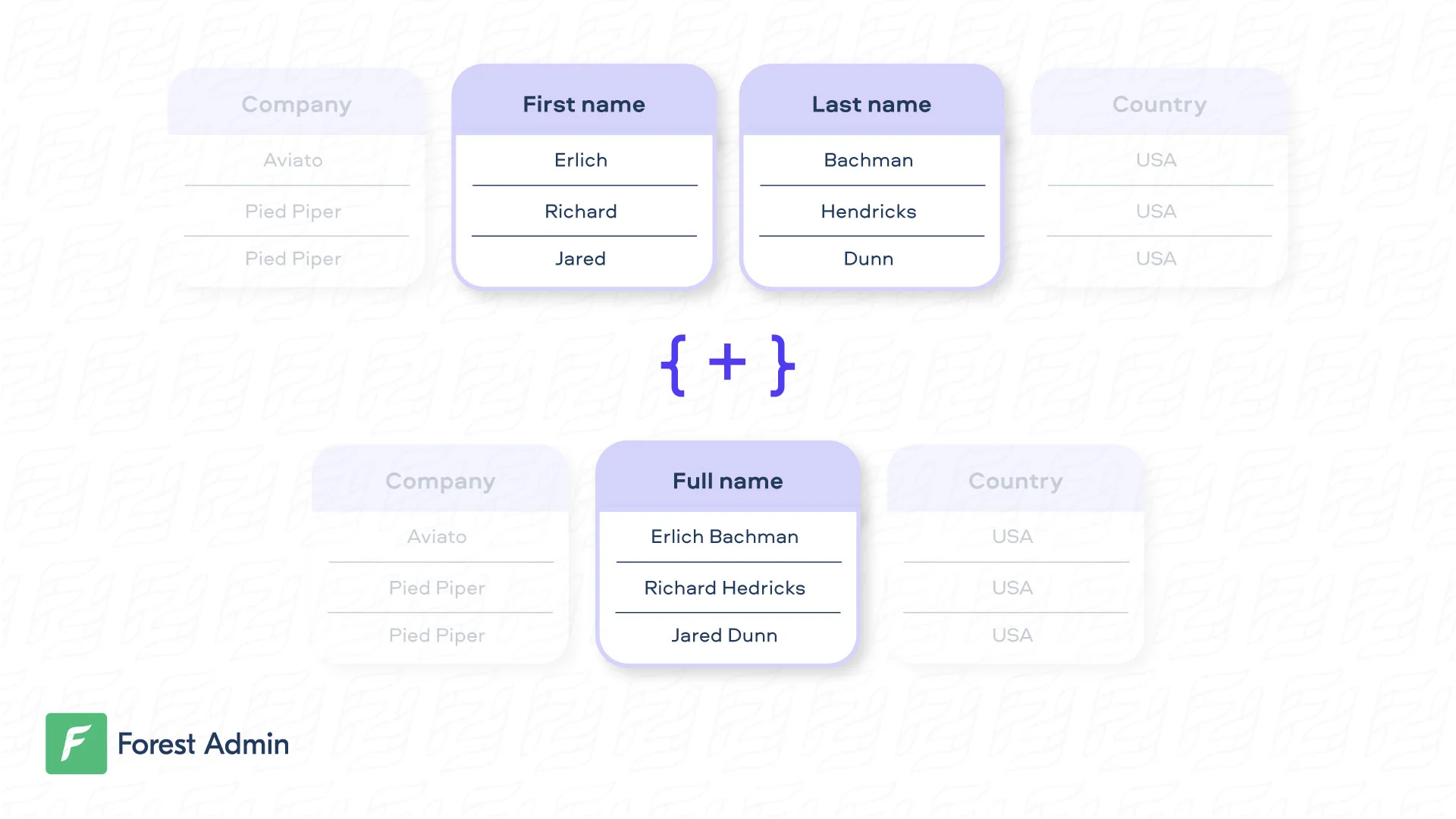
Creating a Smart Field
- Rails
- Django
- Laravel
On our Live Demo, the very simple Smart Field Very often, the business logic behind the Smart Field is more complex and must interact with the database. Here’s an example with the Smart Field
fullname is available on the Customer collection.full_address on the Customer collection.Updating a Smart Field
- Rails
- Django
By default, your Smart Field is considered as read-only. If you want to update a Smart Field, you just need to write the logic to “unzip” the data. Note that the set method should always return the object it’s working on. In the example hereunder, the
user_params is returned is returned including only the modified data.For security reasons, the
fullname Smart field will remain read-only, even after you implement the set method. To edit it, disable read-only mode in the field settings.Searching, Sorting and Filtering on a Smart Field
To perform a search on a Smart Field, you also need to write the logic to “unzip” the data, then the search query which is specific to your zipping. In the example hereunder, thefirstname and lastname are searched separately after having been unzipped.
Filtering
To perform a filter on a Smart Field, you need to write the filter query logic, which is specific to your use case. In the example hereunder, thefullname is filtered by checking conditions on the firstname and lastname depending on the filter operator selected.
Make sure you set the option
isFilterable: true in the field definition of your code. Then, you will be able to toggle the “Filtering enabled” option in the browser, in your Fields Settings.Sorting
Available Field Options
Here are the list of available options to customize your Smart Field:You can define a widget for a smart field from the settings of your collection.