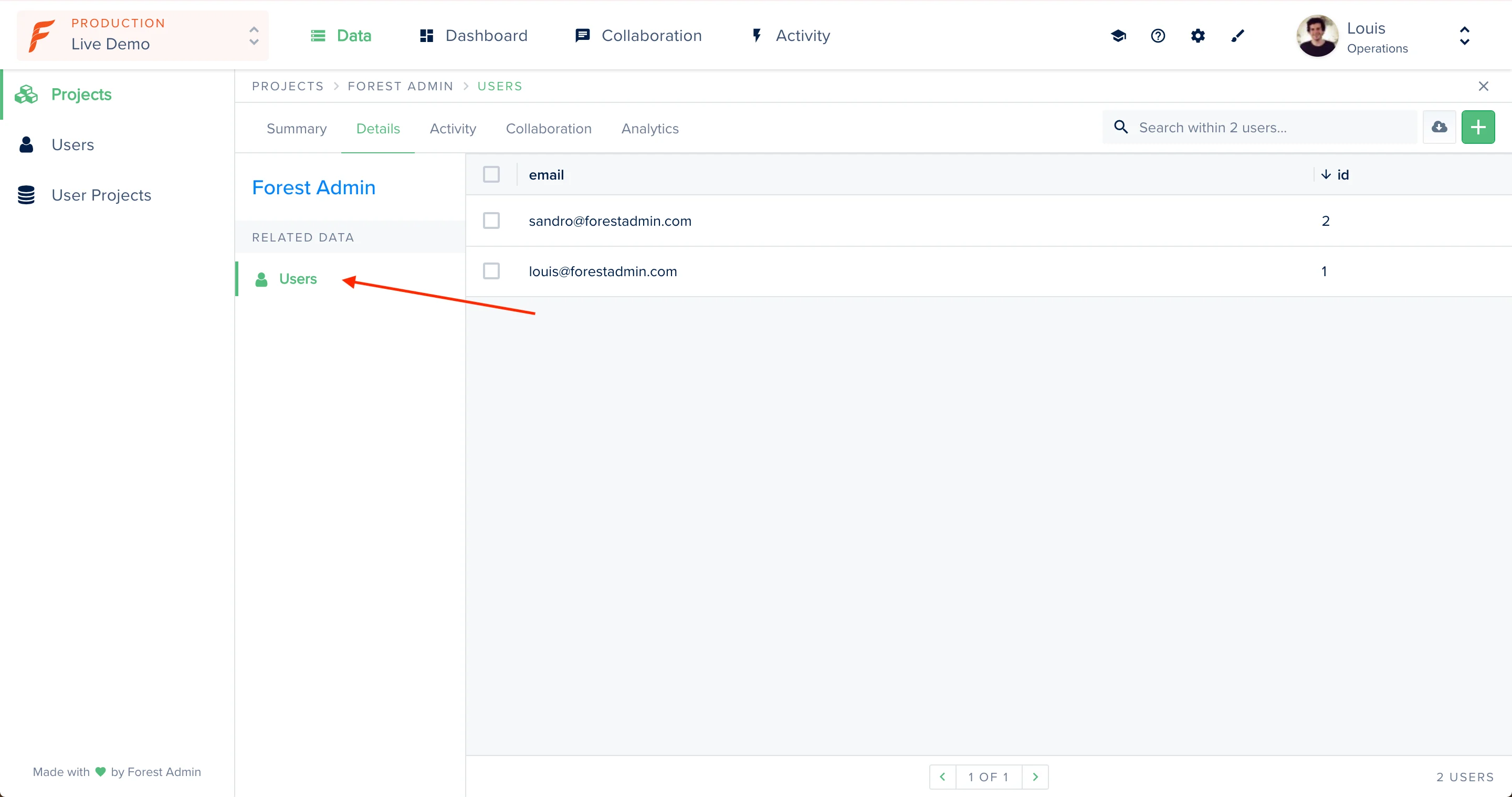
What is a relationship?
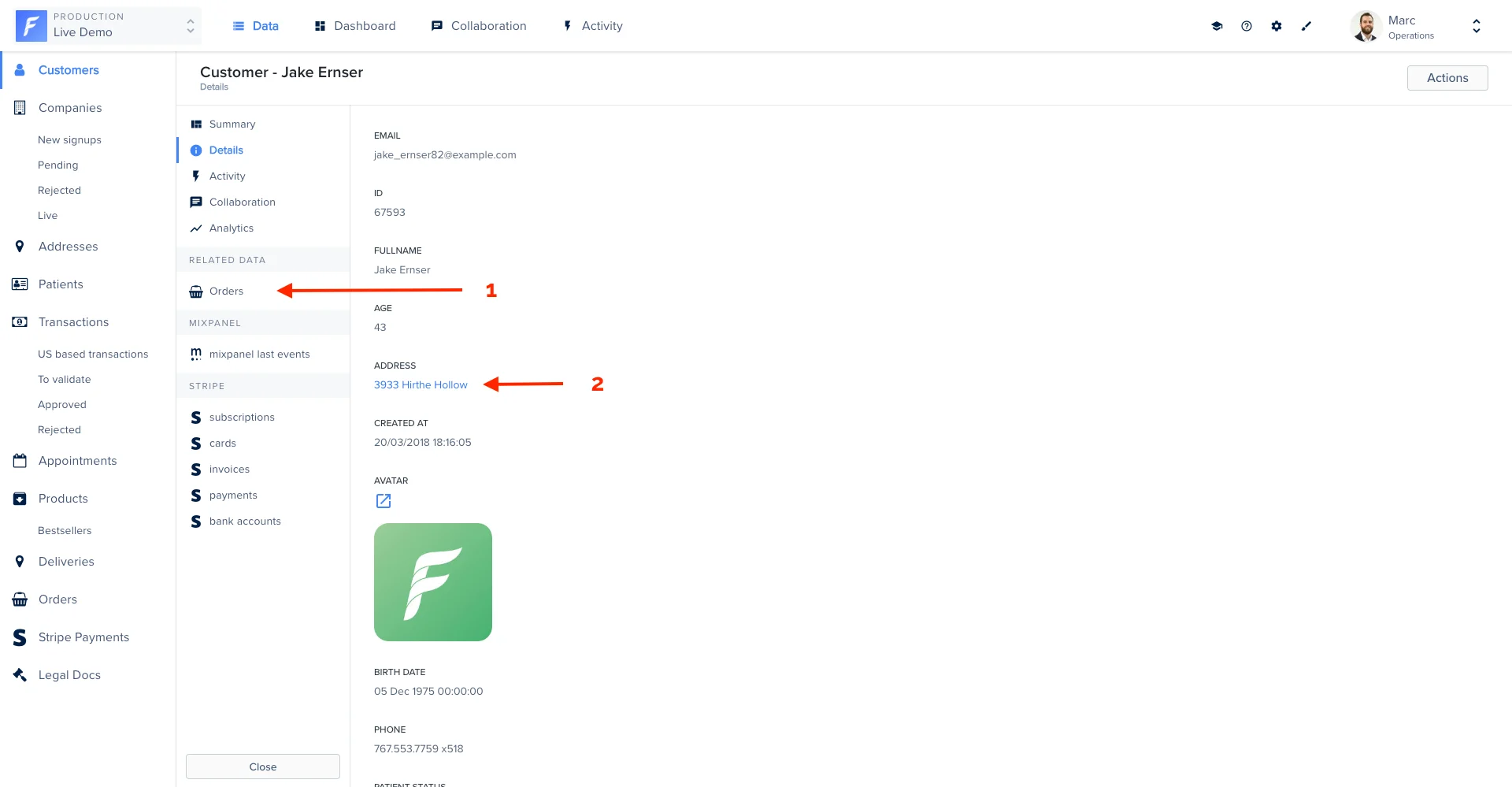
A relationship is a connection between two collections. Relationships are visible and actionable in Forest:hasMany(1)belongsToorhasOne(2)
Adding relationships (databases only)
Depending on your database type, your models will have been generated in Sequelize (for SQL databases) or Mongoose (for Mongo databases). Below are some simple snippets showing you how to add relationships. However, should you want to dig deeper, please refer to the appropriate framework’s documentations:- Sequelize’s documentation on adding relationships in your models (SQL)
- Mongoose’s documentation on adding relationships in your models (Mongodb)
Adding a hasMany relationship
In our Live demo, a customer can have multiple orders. In that case, we have to use a hasMany relationship.
Adding a hasOne relationship
In case of a one-to-one relationship between 2 collections, the opposite of a belongsTo relationship is a hasOne relationship. Taking the same example as before, the opposite of “an address belongsTo a customer” is simply “a customerhasOne address”.
Adding a belongsTo relationship
On our Live Demo example, the Address model has a foreignKey customer_id that points to the Customer. In other words, an addressbelongsTo a customer.
Declaring a foreign key (SQL only)
It’s possible that your tables are linked in an unusual way (using names instead of ids for instance).In that case, adding the above code will not suffice to add the
belongsTo relationship. Even though we recommend you modify your database structure to stay within foreign key conventions (pointing to an id), there is a way to specify how your tables are linked.
If the field fk_customername of a table Address points to the field name of a table Customer, add the following: