

Declaring a new model
Whenever you have a new table/collection in your database, you will have to create file to declare it. Here is a template example for acompanies table:
Declaring a new field in a model
Any new field must be added manually within the corresponding model of your/models folder.
Managing nested documents in Mongoose
For a better user experience, flatten nested fields. In v2 see the Flattener plugin.
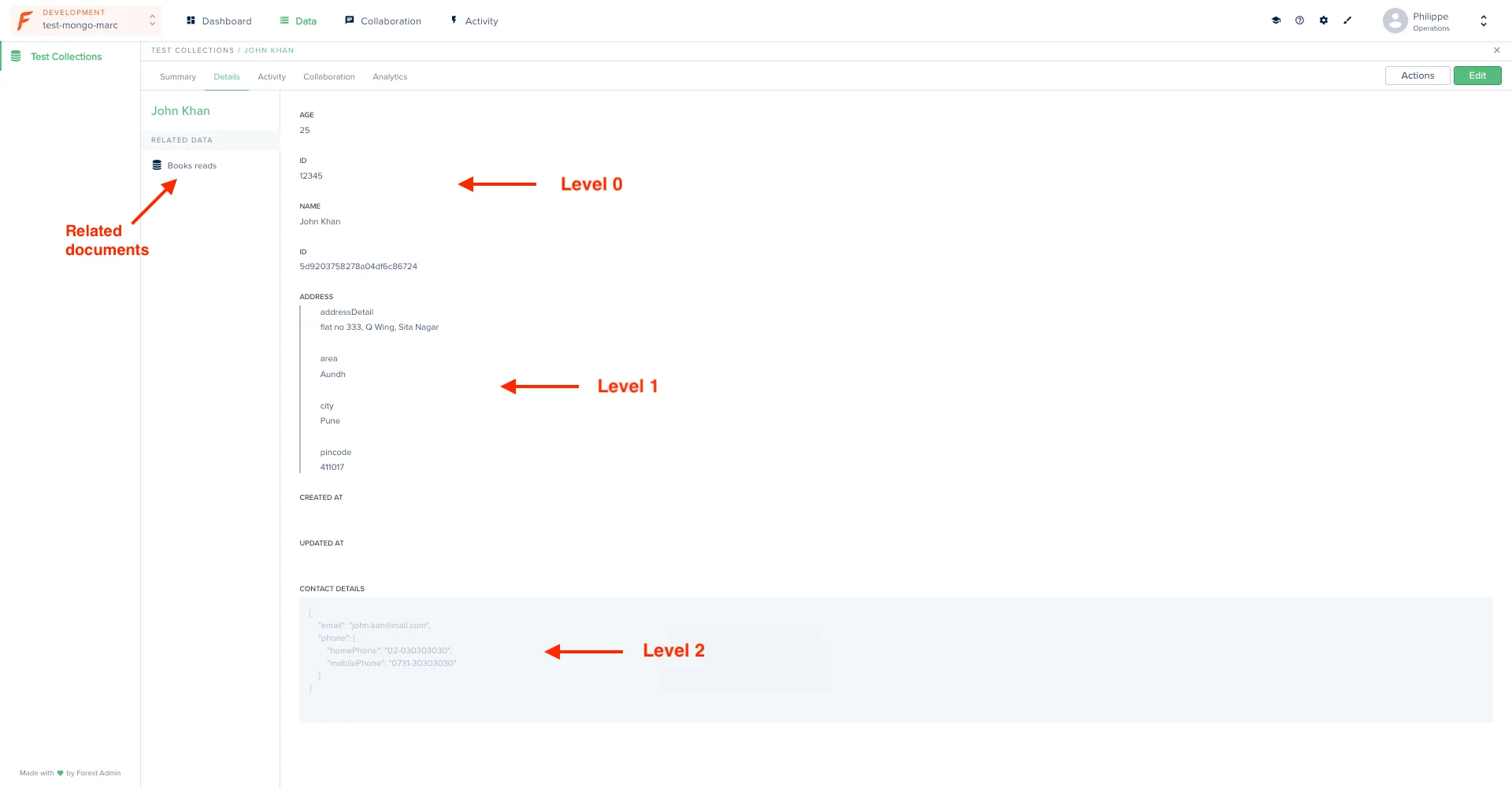
Removing a model
By default all tables/collections in your database are analyzed by Lumber to generate your models. If you want to exclude some of them to prevent them from appearing in your Forest, check out this how-to.Adding validation to your models
Validation allows you to keep control over your data’s quality and integrity.If your existing app already has validation conditions, you may - or may not - want to reproduce the same validation conditions in your admin backend’s models. If so, you’ll have to do it manually, using the below examples.
Adding a default value to your models
You can choose to add a default value for some fields in your models. As a result, the corresponding fields will be prefilled with their default value in the creation form:Adding a hook
Hooks are a powerful mechanism which allow you to automatically trigger an event at specific moments in your records lifecycle. In our case, let’s pretend we want to update aupdate_count field every time a record is updated: