

Creating the Smart Collection
On our Live Demo, we’ve stored theLegal Documents of a Company on Amazon S3. In the following example, we show you how to create the Smart Collection to see and manipulate them in your Forest admin.
- SQL
- Mongoose
First, we declare the
legal_docs collection in the forest/ directory. In this Smart Collection, all fields are related to S3 attributes except the field is_verified that is stored on our database in the collection documents. You can check out the list of available field options if you need it.Implementing the GET (all records)
At this time, there’s no Smart Collection Implementation because no route in your admin backend handles the API call yet.- SQL
- Mongoose
In the file
routes/legal_docs.js, we’ve created a new route to implement the API behind the Smart Collection.The logic here is to list all the files uploaded on a specific S3 Bucket. We use a custom service services/s3-helper.js for this example. The implementation code of this service is available on Github.Finally, the last step is to serialize the response data in the expected format which is simply a standard JSON API document. We use the very simple JSON API Serializer library for this task.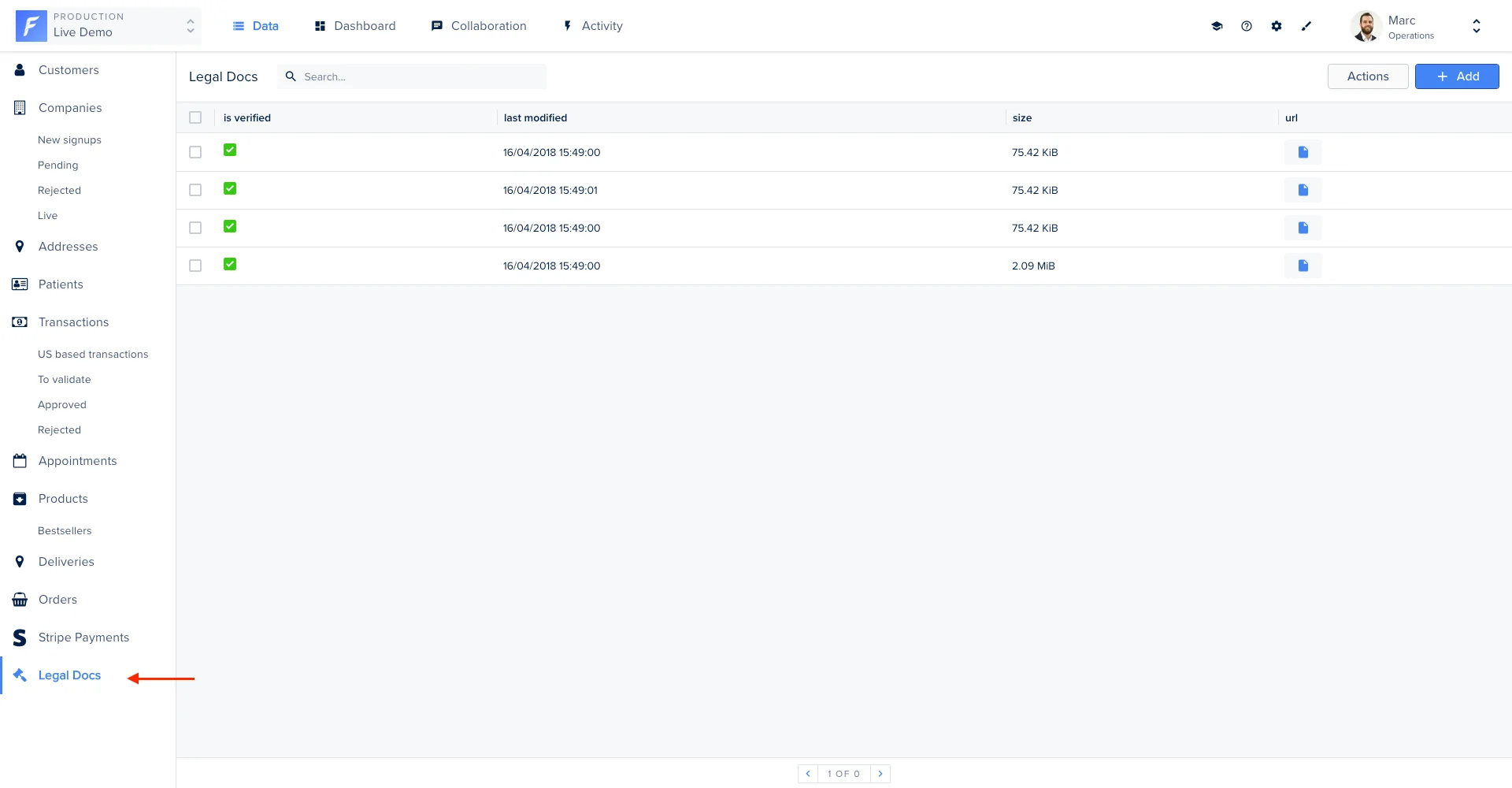
Implementing the GET (specific record)
- SQL
- Mongoose
To access the details view of a Smart Collection record, you have to catch the GET API call on a specific record. One more time, we use a custom service
services/s3-helper.js that encapsulates the S3 business logic for this example.The implementation of the reconcileData() and Serializer.serialize() functions are already described in the Implementing the GET (all records) section..png?fit=max&auto=format&n=XG_FfWf8cKiyLgEH&q=85&s=5e2d7cddb0d439b6e61d331852c48bb9)
Implementing the PUT
To handle the update of a record we have to catch the PUT API call. In our example, all S3-related fields are set as read-only and onlyis_verified can be updated.
- SQL
- Mongoose
The implementation of the
reconcileData() and Serializer.serialize() functions are already explained in the Implementing the GET (all records) section.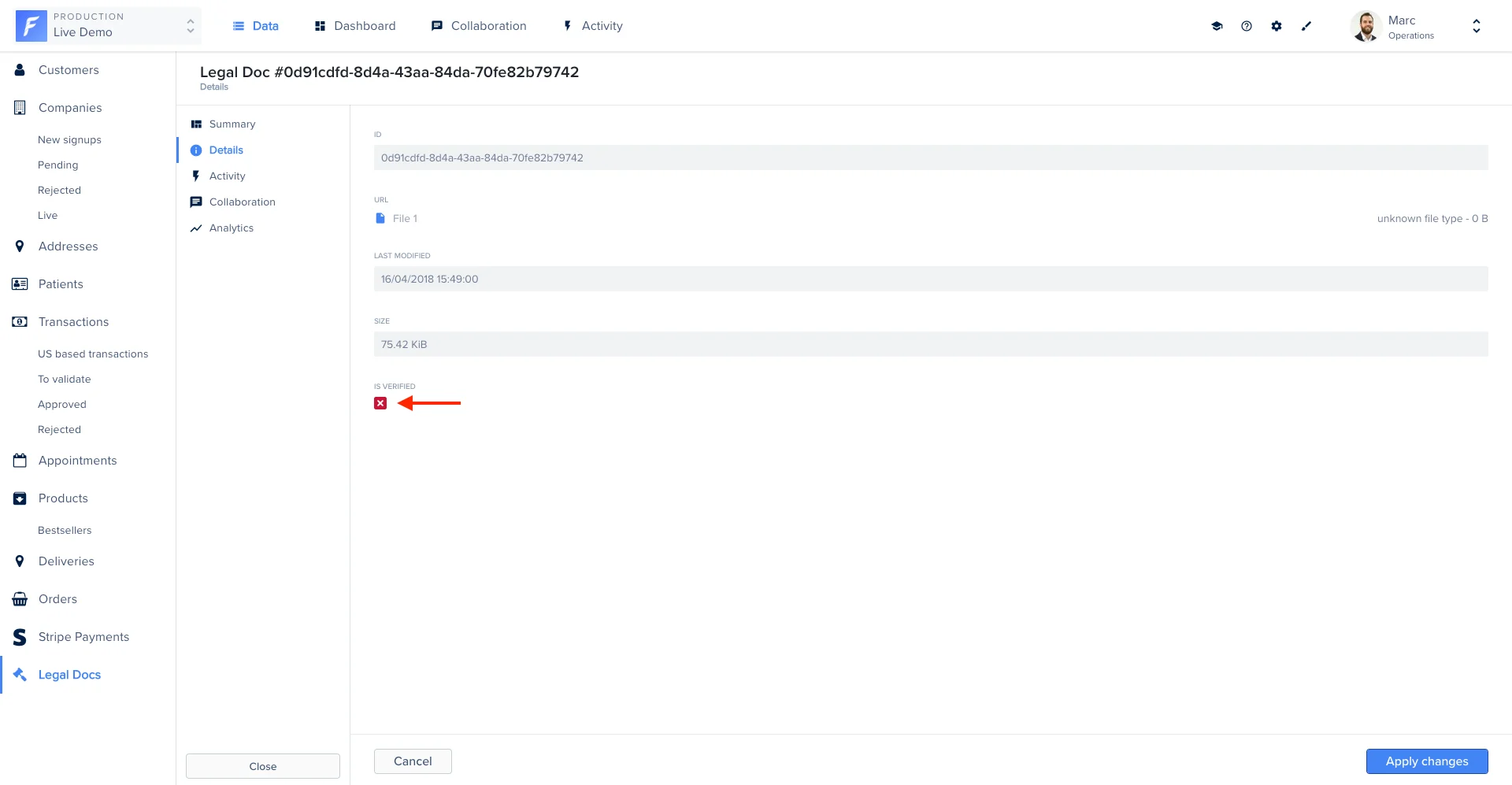
Implementing the DELETE
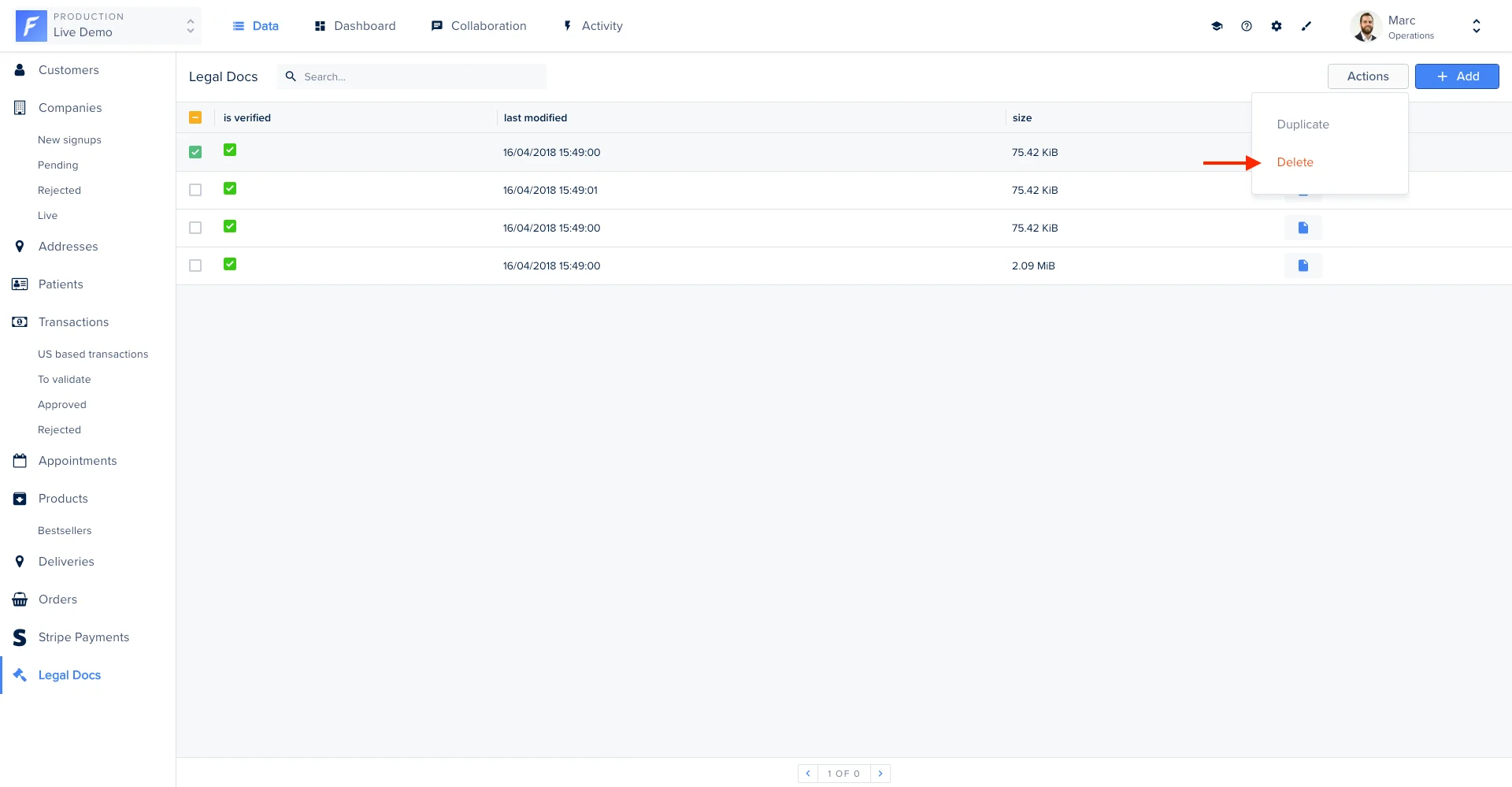
Now we are able to see all the legal documents on Forest, it’s time to implement the DELETE HTTP method in order to remove the documents on S3 when the admin user needs it.- SQL
- Mongoose
Implementing the POST
On our Live Demo example, creating a record directly from this Smart Collection does not make any sense because the admin user will upload the legal docs in the company details view. For the documentation purpose, we catch the call and returns an appropriate error message to the admin user.- SQL
- Mongoose
.png?fit=max&auto=format&n=XG_FfWf8cKiyLgEH&q=85&s=6fabd18b5e8529e27f3356c023cbcc36)