

What is a relationship?
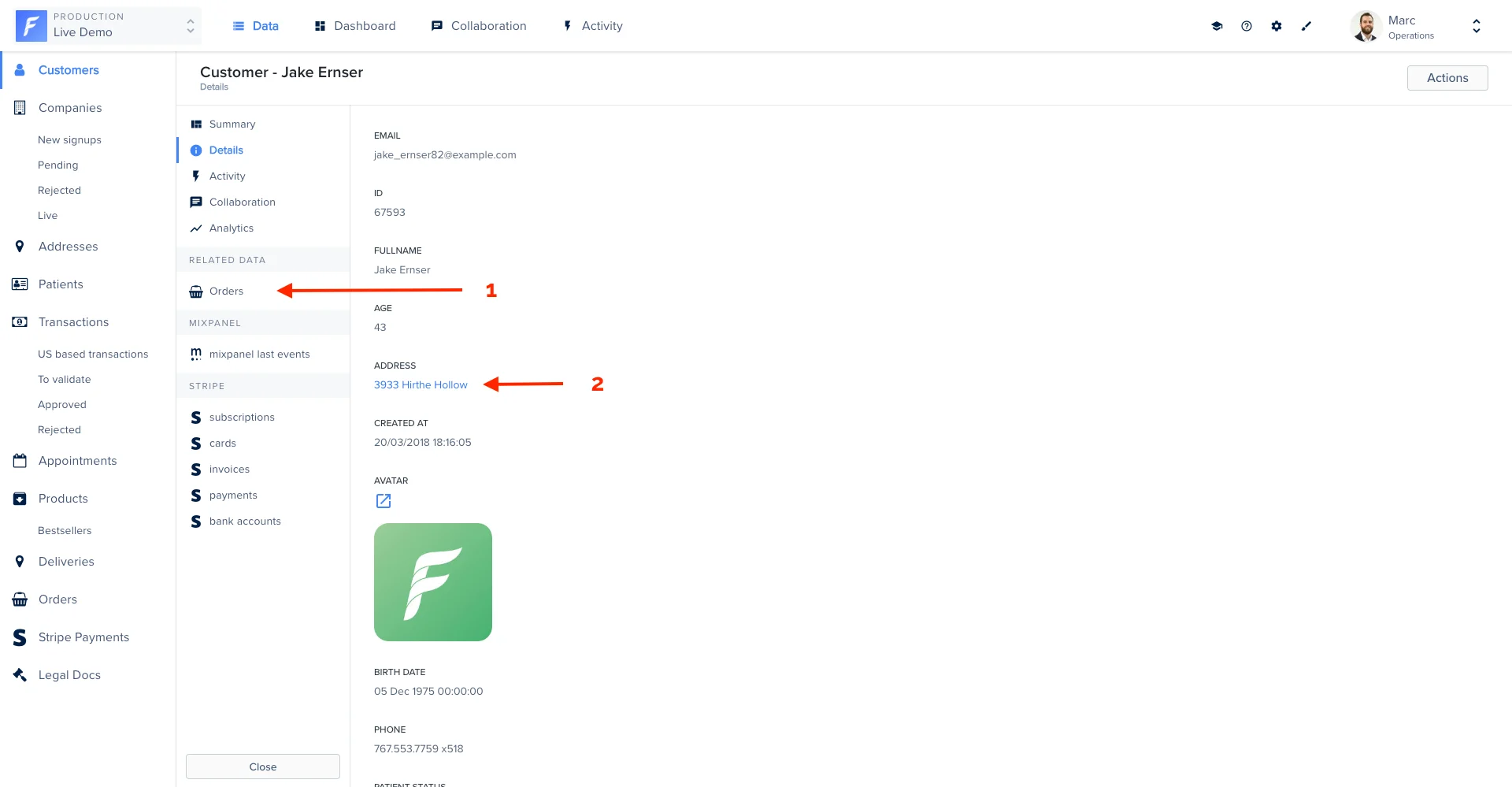
A relationship is a connection between two collections. Relationships are visible and actionable in Forest:hasMany(1)belongsToorhasOne(2)
Adding relationships (databases only)
Depending on your database type, your models will have been generated in Sequelize (for SQL databases) or Mongoose (for Mongo databases). Below are some simple snippets showing you how to add relationships. However, should you want to dig deeper, please refer to the appropriate framework’s documentations:- Sequelize’s documentation on adding relationships in your models (SQL)
- Mongoose’s documentation on adding relationships in your models (Mongodb)
Adding a hasMany relationship
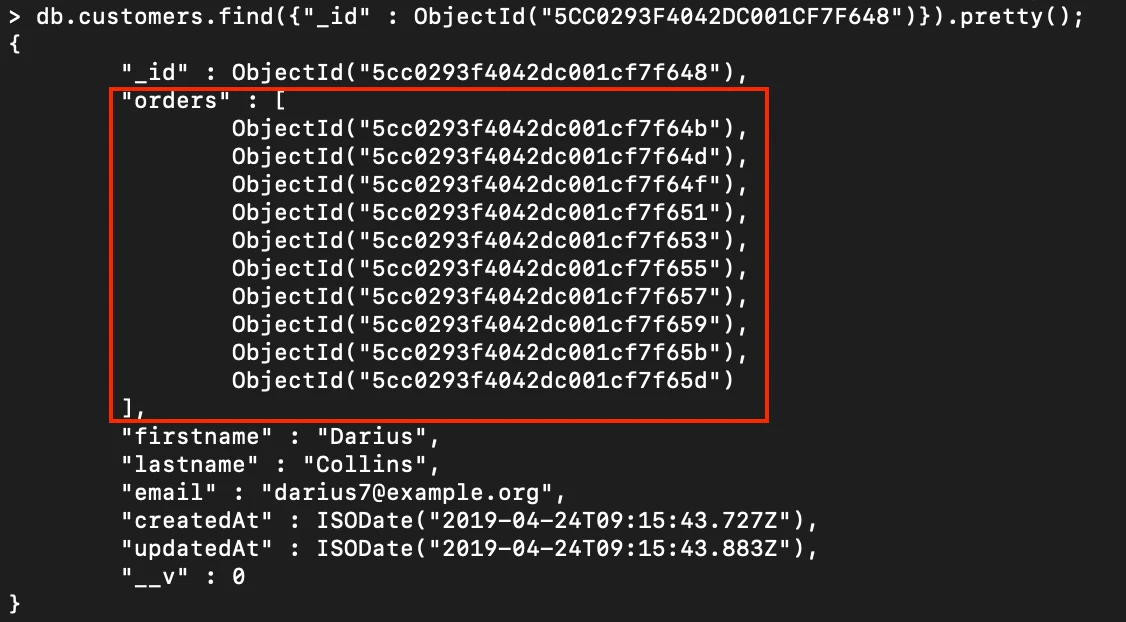
In our Live demo, a customer can have multiple orders. In that case, we have to use a hasMany relationship.
- SQL
- Mongoose

Adding a hasOne relationship
In case of a one-to-one relationship between 2 collections, the opposite of a belongsTo relationship is a hasOne relationship. Taking the same example as before, the opposite of “an address belongsTo a customer” is simply “a customerhasOne address”.
- SQL
- Mongoose

Adding a belongsTo relationship
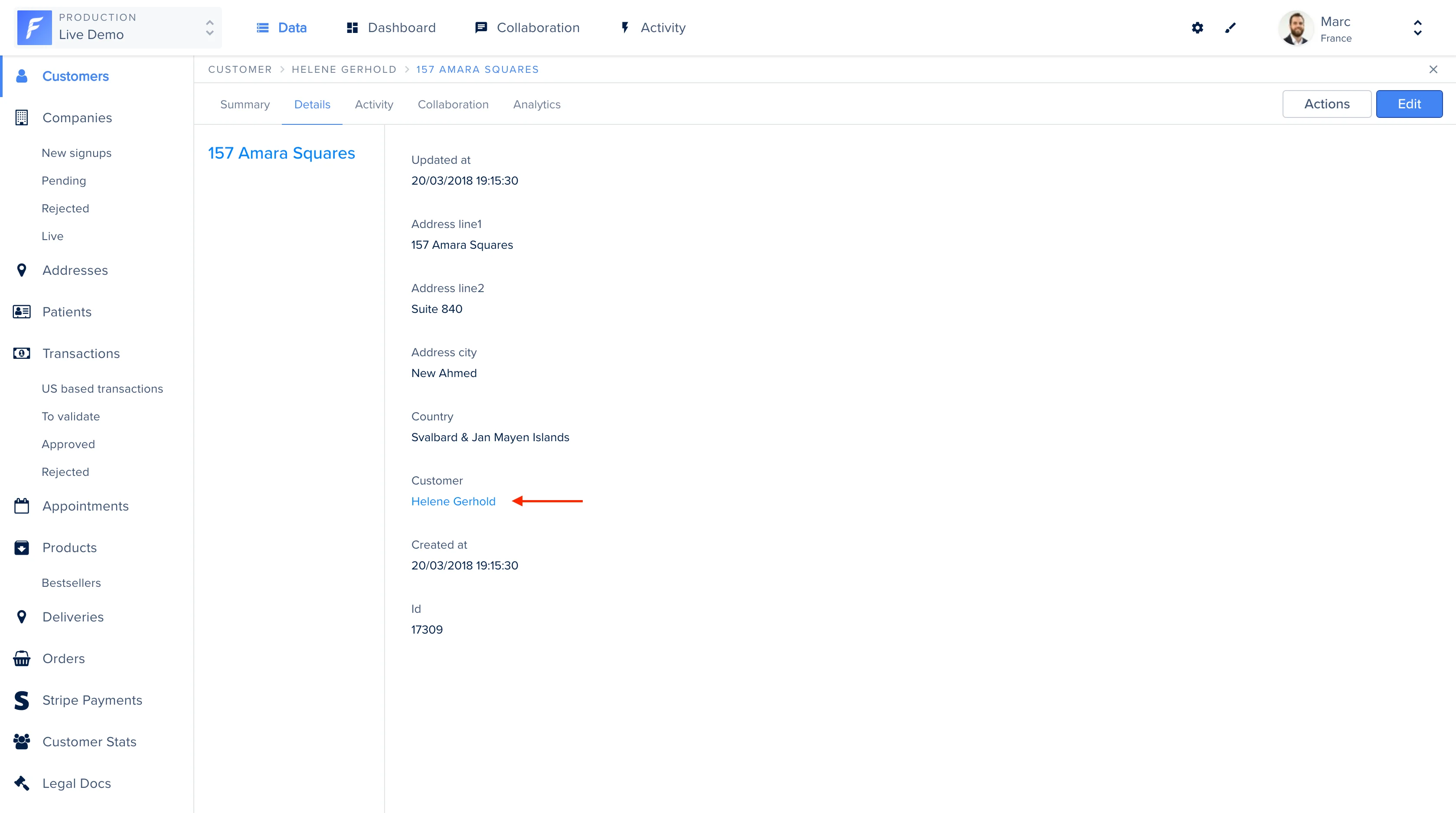
On our Live Demo example, the Address model has a foreignKey customer_id that points to the Customer. In other words, an addressbelongsTo a customer.
- SQL
- Mongoose
Declaring a foreign key (SQL only)
It’s possible that your tables are linked in an unusual way (using names instead of ids for instance).In that case, adding the above code will not suffice to add the
belongsTo relationship. Even though we recommend you modify your database structure to stay within foreign key conventions (pointing to an id), there is a way to specify how your tables are linked.
If the field fk_customername of a table Address points to the field name of a table Customer, add the following:
This is explained in Sequelize’s documentation.
Adding a belongsToMany relationship (SQL only)
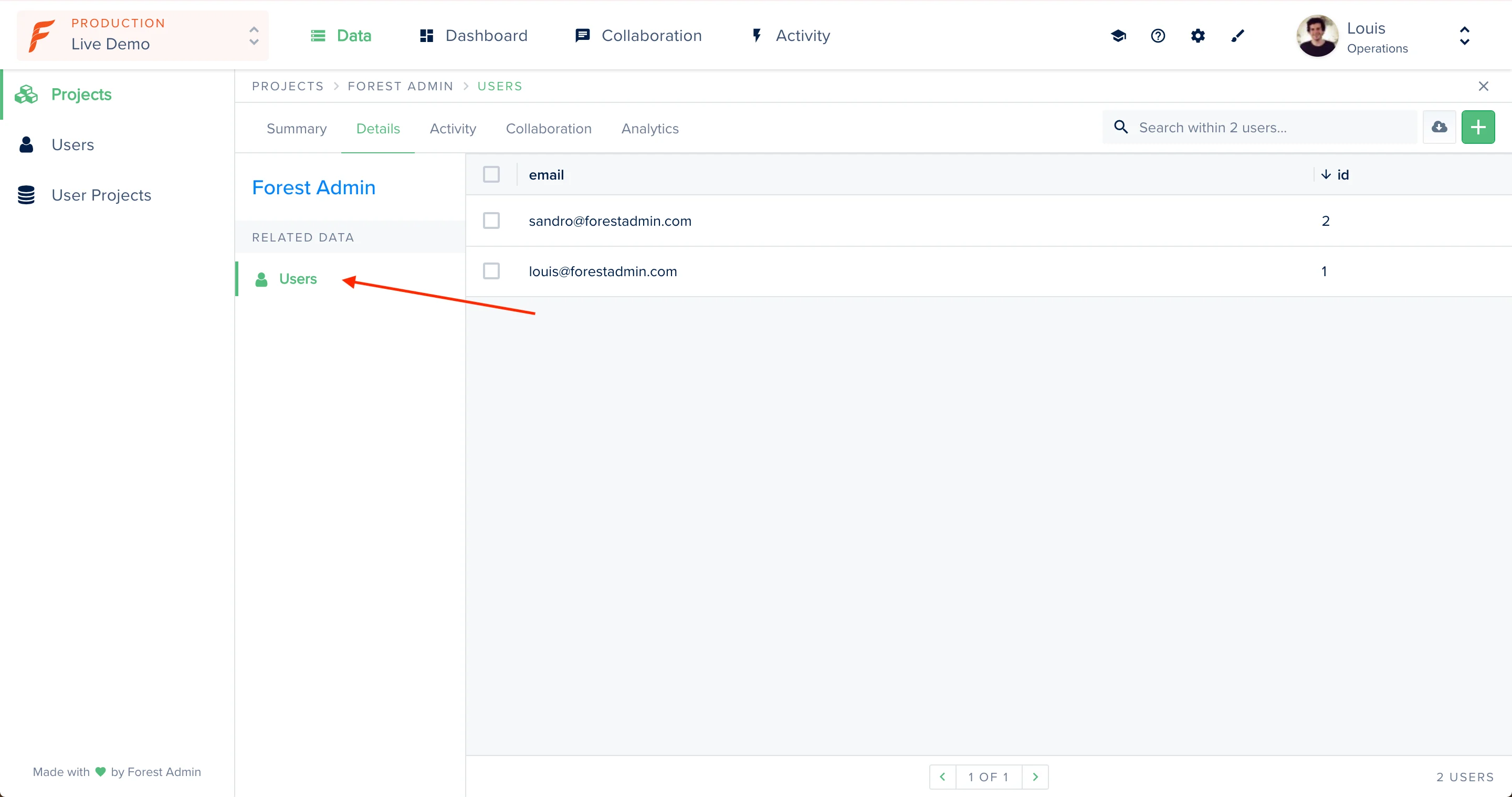
belongsToMany association is often used to set up a many-to-many relationship with another model. For this example, we will consider the models Projects and Users. A user can be part of many projects, and one project has many users. The junction table that will keep track of the associations will be called userProjects, which will contain the foreign keys projectId and userId.
Relationship generation rules
Forest automatically generates most relationships, according to the below rules:- SQL
- Mongoose
BelongsToDetecting
belongsTo is straight forward, we check if the referenced table of the foreign key is unique (unique constraint or primary key), then a belongsTo association can be set between the two tables.HasManyIf the foreign key doesn’t have a uniqueness constraint, then we can define a hasMany association.HasOneIf the foreign key also have a unique constraint or is used as the primary key of its table, then we can define a hasOne association.BelongsToManyWe detect Many-to-Many relationships when we detect a simple junction table. We are able to detect a junction table when it contains 2 foreign keys. It can optionally contain additional fields like a primary key and technical timestamps.