

Opening a Smart Action Form
Very often, you will need to ask user inputs before triggering the logic behind a Smart Action.For example, you might want to specify a reason if you want to block a user account. Or set the amount to charge a user’s credit card.
- Rails
- Django
- Laravel
On our Live Demo example, we’ve defined 4 input fields on the Smart Action
Upload Legal Docs on the collection Company.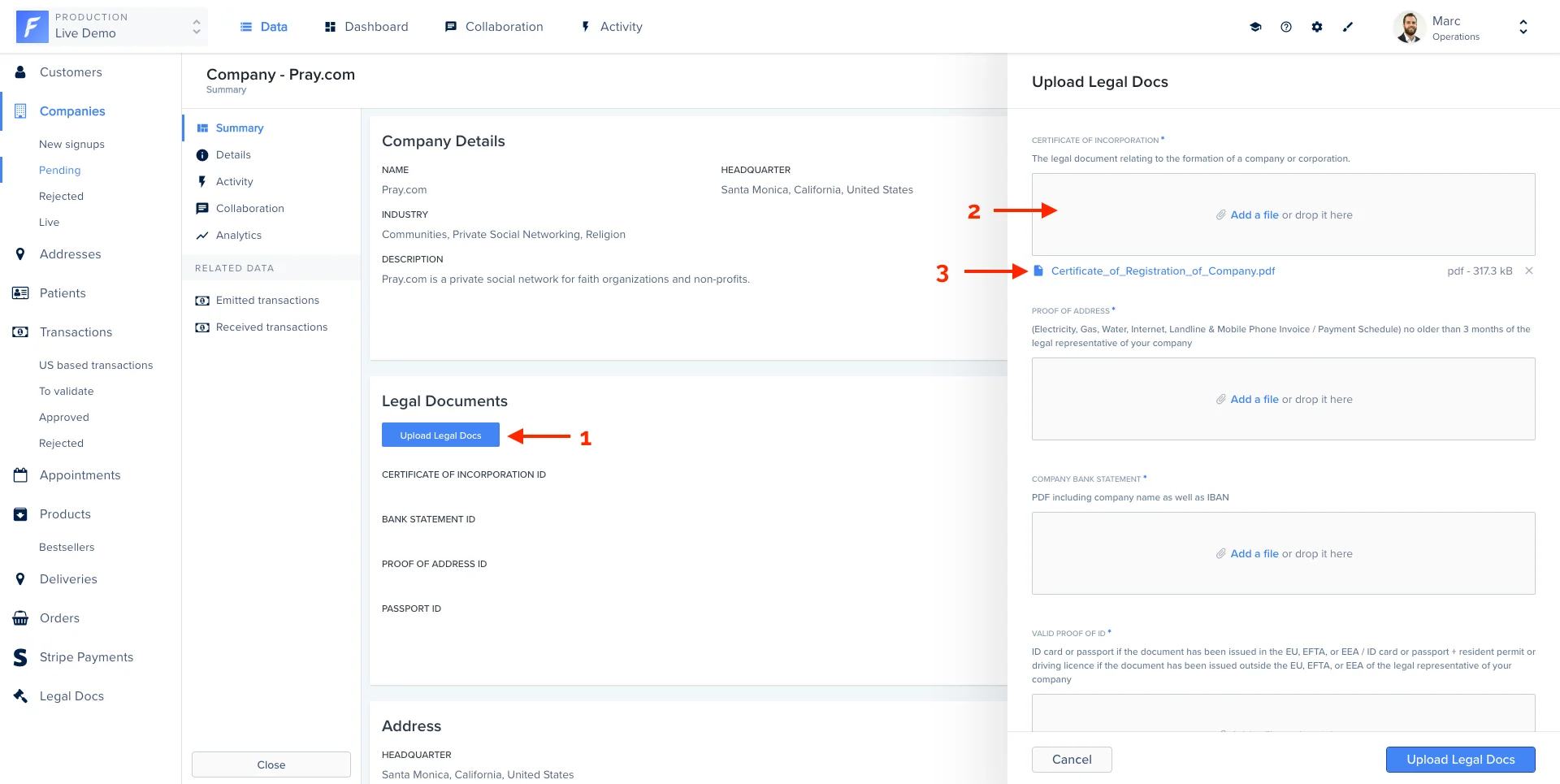
Handling input values
Here is the list of available options to customize your input form.Use components to better layout your form
This feature is only available from version 9.4.0 (
forest-express-sequelize and forest-express-mongoose) / version 9.4.0 (forest-rails) .List of supported layout components
Ruby on Rails
Example
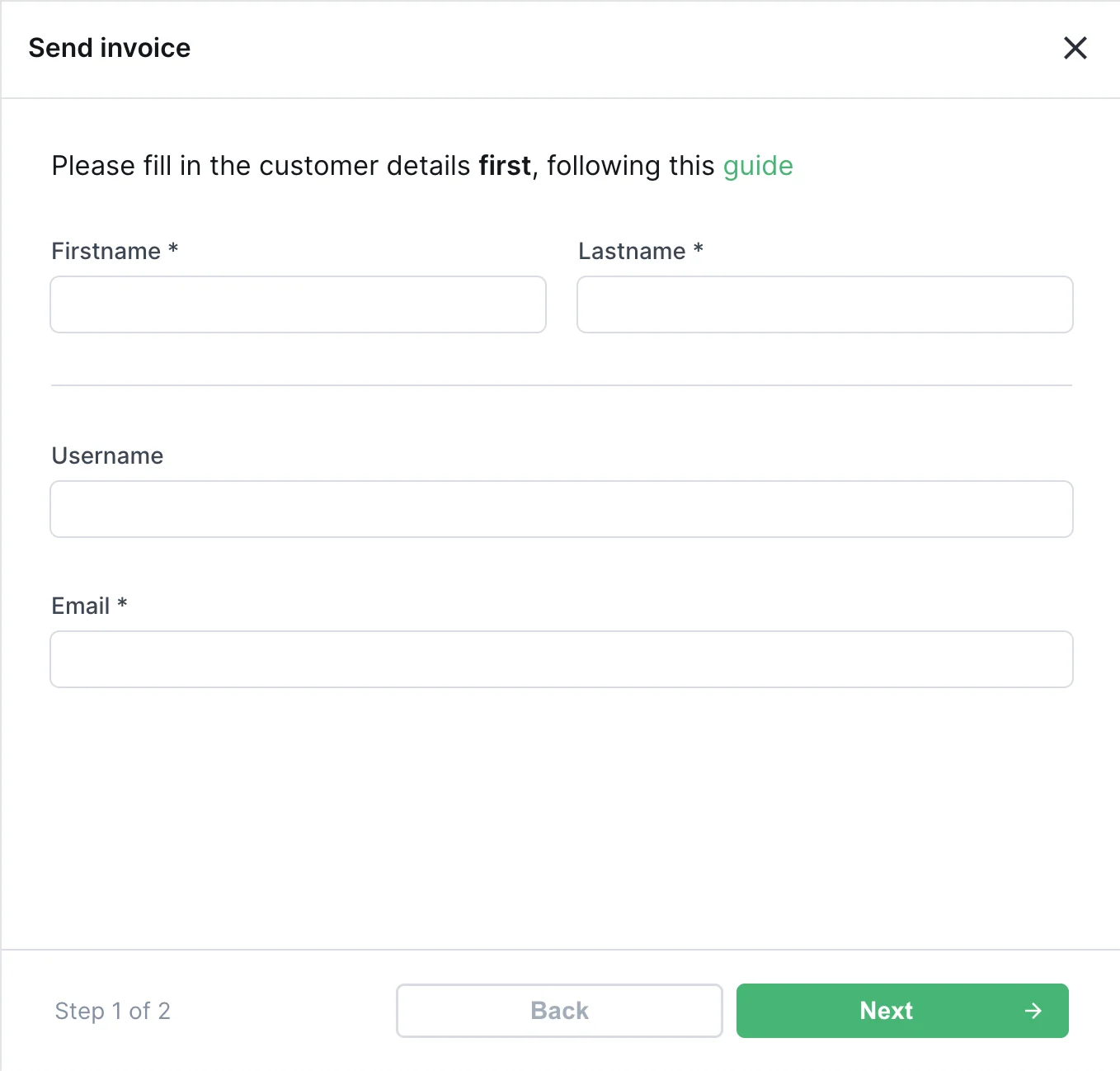
Here’s an example of an action form with many fields, that we want to improve with some layout components, to make it easier for the end user to fill in.Ruby on Rails
Making a form dynamic with hooks
Business logic often requires your forms to adapt to its context. Forest makes this possible through a powerful way to extend your form’s logic. To make Smart Action Forms dynamic, we’ve introduced the concept of hooks: hooks allow you to run some logic upon a specific event. Theload hook is called when the form loads, allowing you to change its properties upon load.
The change hook is called whenever you interact with a field of the form.
Prefill a form with default values
Forest allows you to set default values of your form. In this example, we will prefill the form with data coming from the record itself (1), with just a few extra lines of code.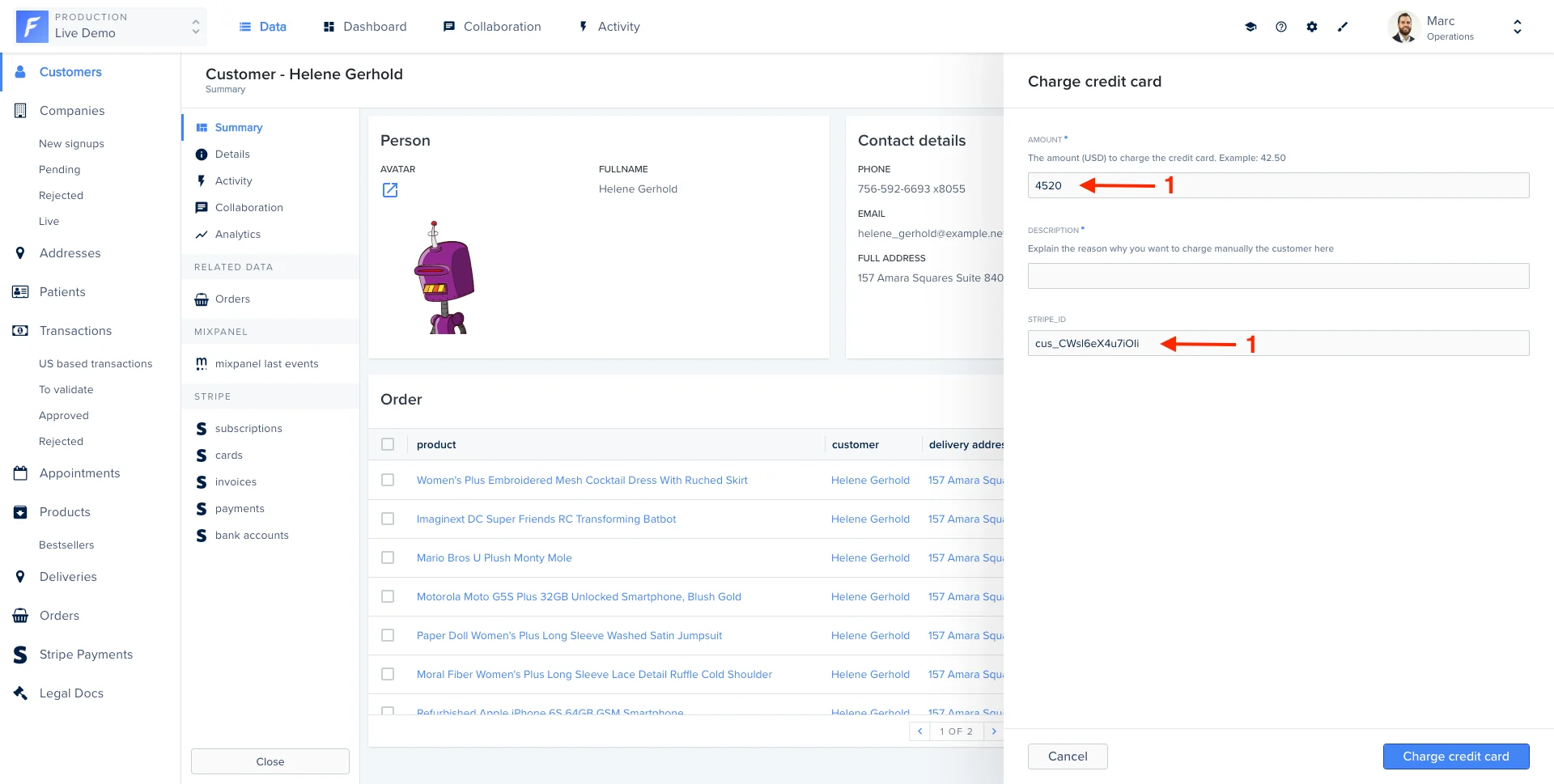
Making a field read-only
To make a field read only, you can use theisReadOnly property:
Combined with the load hook feature, this can be used to make a field read-only dynamically:
How does it work?
Thehooks property receives a context object containing:
- the
fieldsarray in its current state (containing also the current values) - the
requestobject containing all the information related to the records selection. Explained here. - the
changedFieldis the current field who trigger the hook (only for change hook)
fields must be returned. Note that fields is an array containing existing fields with properties described in this section.load or change hook, just set it! For instance, setting a new description for the field city:
We added the
changedField attribute so that you can easily know what changed.change hook on a dynamically-added field. Simply use the following syntax: